
Screenshots



App details
- Updated
- Jun 20, 2023
- Language
- English
- Developer
- Tomakawk Team
- Category
- Mobile
SoftPas in:
This product is also available in the following languages:
About Tomahawk
Download Tomahawk – Music Player, Social Sharing, Multi-Service Integration
Overview
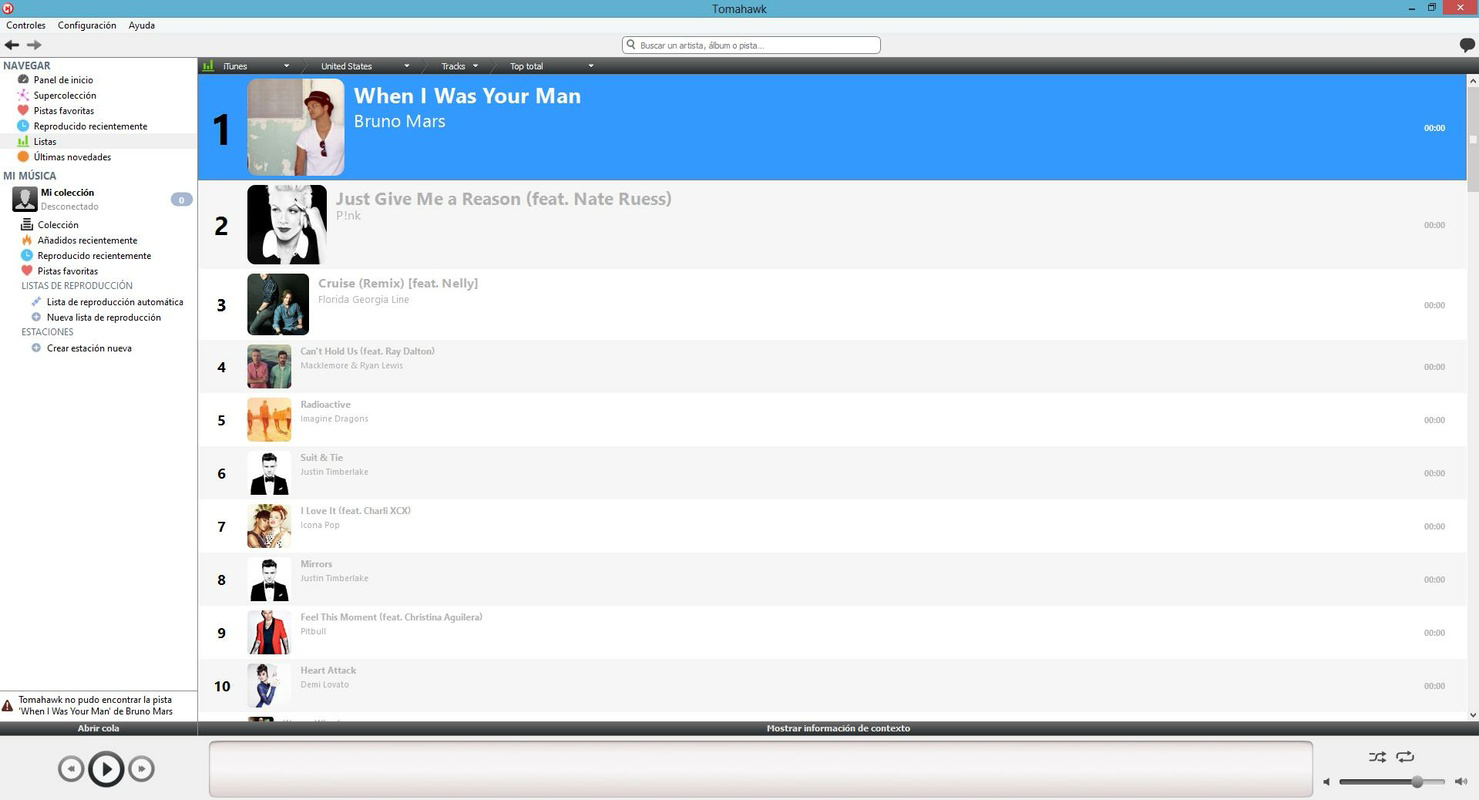
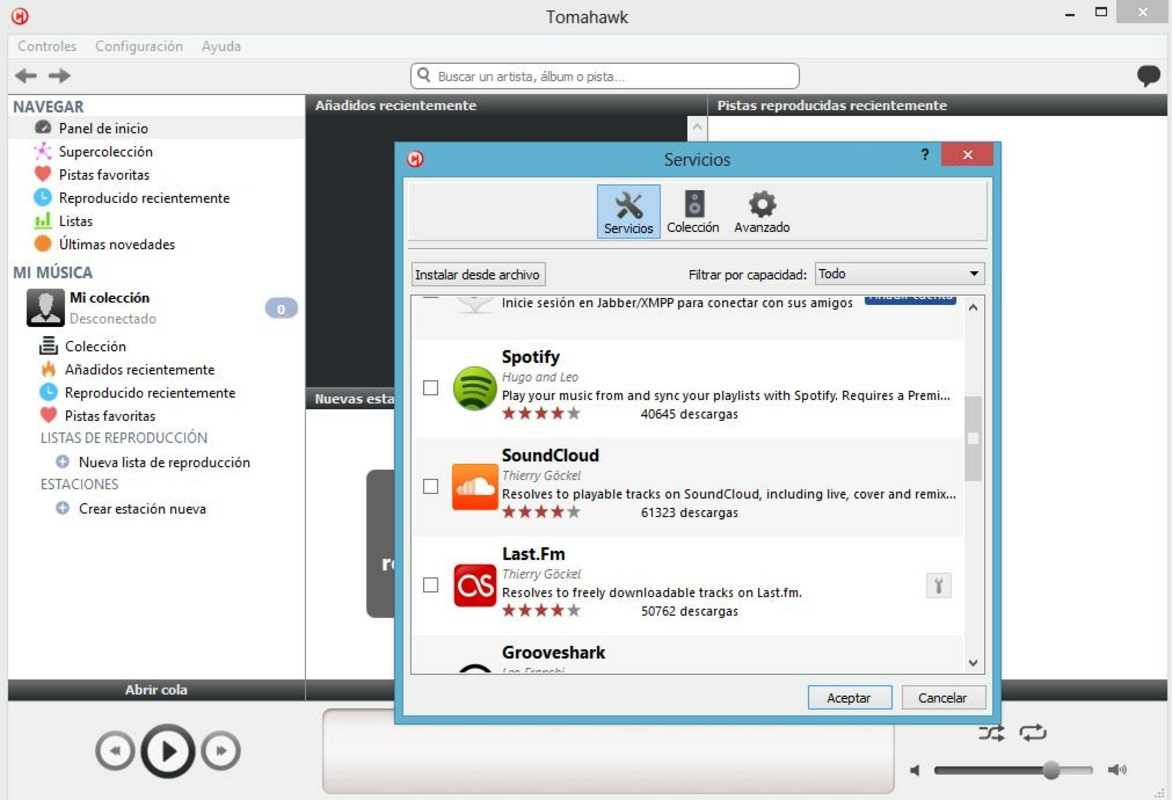
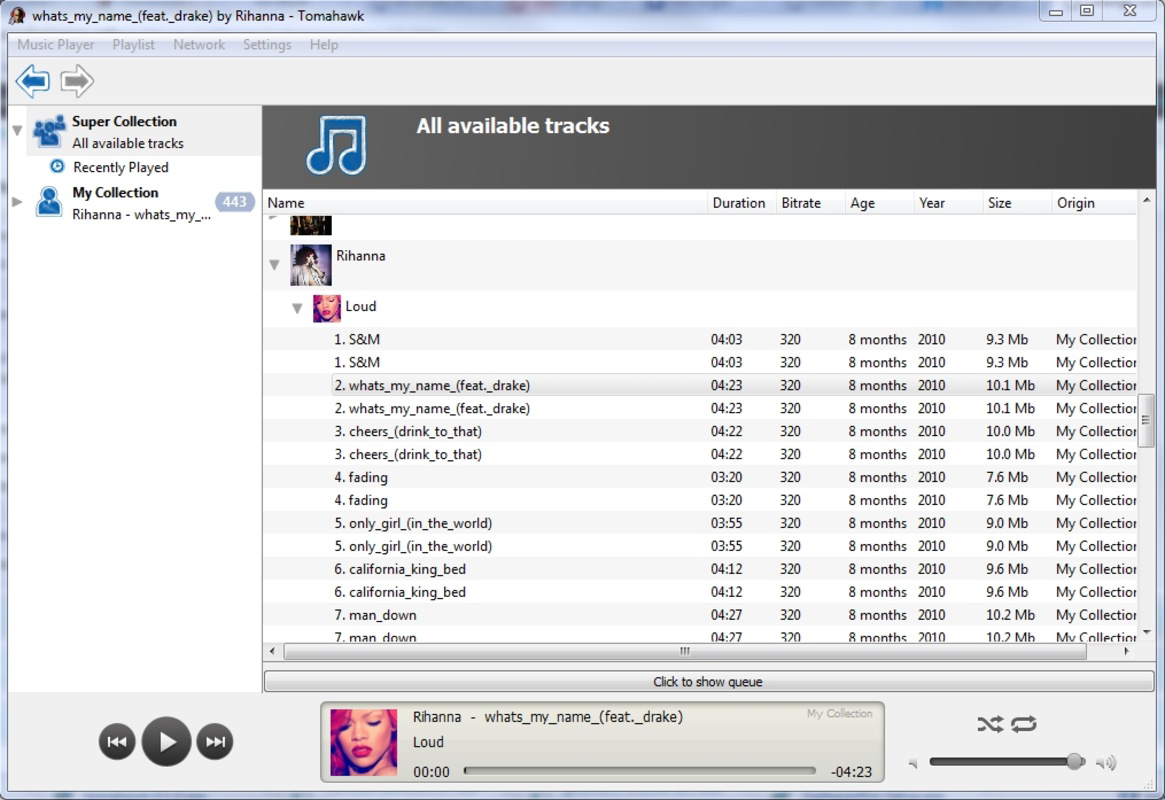
Tomahawk is a mobile application designed for music enthusiasts seeking a unified platform that combines personal media management with social connectivity. The app serves as a comprehensive multimedia player, enabling users to access their local music libraries while integrating with popular streaming services such as Spotify, Jamendo, Last.FM, and SoundCloud. This hybrid functionality allows users to enjoy both their private collections and vast online catalogs from a single interface, reducing the need to switch between multiple apps.
By merging playback capabilities with social sharing tools, Tomahawk addresses the common challenge of fragmented music experiences across devices and platforms. It is particularly useful for users who value both curated playlists and spontaneous discovery through peer recommendations. The app supports a wide range of audio formats, ensuring compatibility with most personal music files, which enhances its utility for audiophiles and casual listeners alike.
Although the developer did not provide additional background information, the app’s design and feature set suggest a focus on open-source principles and user-driven innovation. Real-world use cases include music discovery through friend recommendations, organizing personal playlists, and creating custom local radio stations. In the broader app ecosystem, Tomahawk fills a niche by offering a centralized, community-oriented music experience that balances privacy, flexibility, and social engagement.
Key Features & Functionality
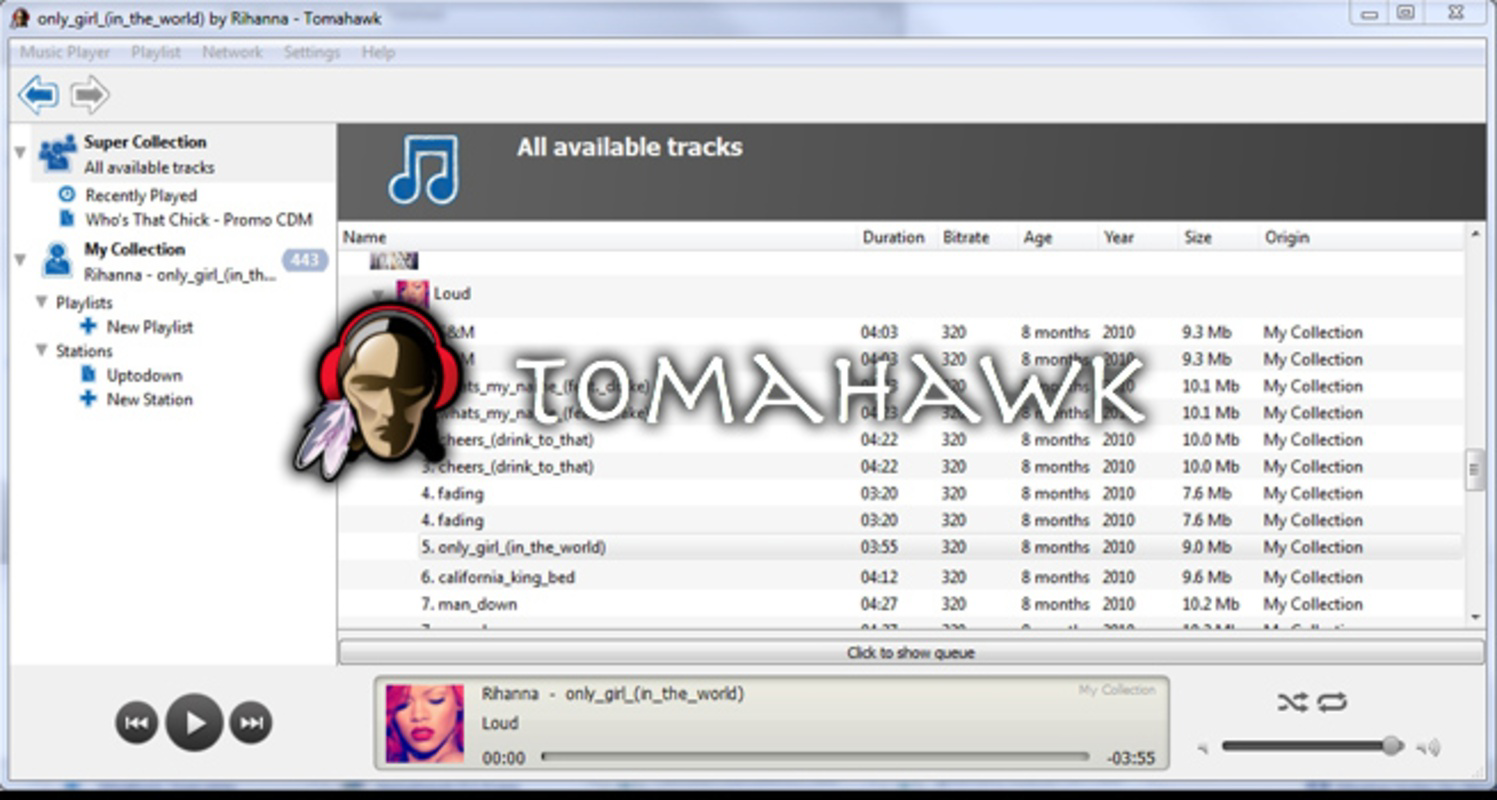
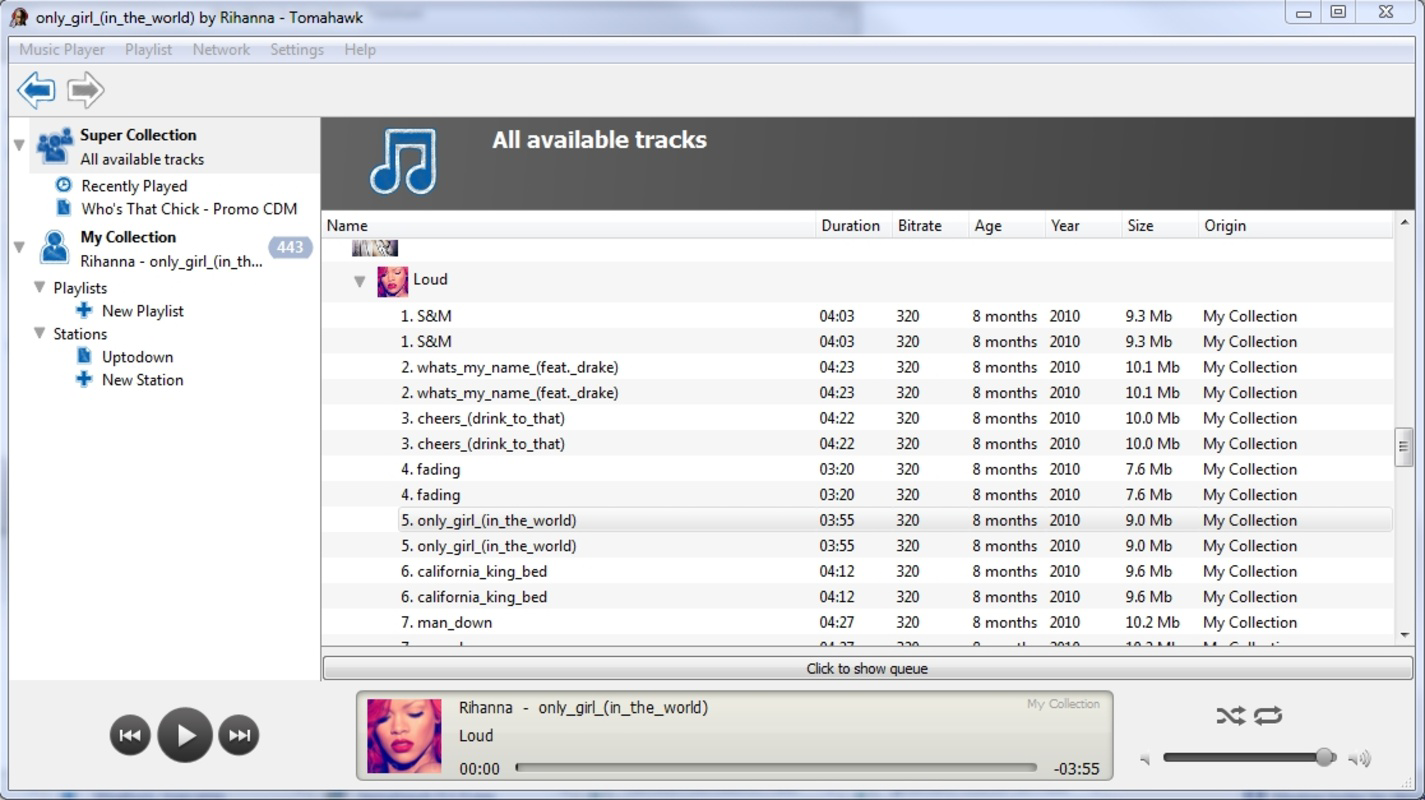
- Integrated Multimedia Player: Tomahawk functions as a full-featured media player, supporting diverse audio formats for seamless playback of local music libraries. This allows users to maintain control over their personal collections without relying on cloud-based storage.
- Social Sharing Network: Users can share tracks and playlists directly within the app’s built-in social network, fostering real-time interaction and music discovery among friends and community members.
- Multi-Service Integration: The app connects to major music platforms including Spotify, Jamendo, Last.FM, and SoundCloud, enabling users to stream content from these services without leaving the Tomahawk environment.
- Playlist Creation and Management: Unlimited playlist creation allows for personalized listening experiences. Users can organize tracks by mood, genre, or event, enhancing music discovery and daily use.
- Local Radio Curation: Tomahawk includes tools for creating custom local radio stations, letting users generate dynamic, personalized music streams based on their preferences and listening habits.
These features are especially beneficial in scenarios where users want to share music during gatherings, build mood-specific playlists for work or exercise, or explore new artists through social recommendations. The integration of local and online content ensures a flexible experience that adapts to different user needs and listening environments.
Interface, UX & Performance
Tomahawk presents a clean, user-friendly interface with intuitive navigation designed to streamline access to music libraries, streaming services, and social tools. The layout emphasizes clarity and ease of use, allowing users to quickly locate playlists, manage connections, and share content. Visual design elements are minimal yet functional, supporting efficient interaction across various screen sizes.
Navigation flows logically between core sections—local media, integrated services, playlists, and social feed—ensuring a consistent experience. The app’s responsiveness is evident in smooth transitions and quick load times for media playback and service synchronization. Although the developer did not list formal performance metrics, the app appears optimized for stability during extended listening sessions and background operation.
Performance across different device categories is expected to be consistent, given the app’s focus on lightweight functionality and modular design. Users can anticipate reliable operation on mid-range and high-end smartphones, with minimal battery drain during regular use. The absence of intrusive ads or excessive background processes contributes to a smoother overall experience.
Platform Compatibility & Technical Requirements
Tomahawk is available on Android and iOS platforms, with a software version released on June 20, 2023. The app’s file size is not publicly disclosed, but it is designed to operate efficiently across a range of devices. Specific OS requirements were not listed, and the developer did not specify minimum hardware or system versions.
Compatibility information was not fully disclosed, so users should verify device compatibility through official app stores. The app is designed to function on both smartphones and tablets, though no tablet-specific optimizations were mentioned. For users seeking a cross-platform music experience, Tomahawk offers a unified interface across devices, though platform-specific features may vary.
Pros and Cons
Pros
- Seamless integration with multiple music services including Spotify and SoundCloud
- Support for a wide range of audio formats for local playback
- Intuitive interface with consistent navigation across sections
- Ability to create unlimited playlists and custom local radio stations
- Built-in social sharing tools for music discovery and community engagement
Cons
- Specific technical requirements and OS compatibility details were not provided
- Developer background and support information were not disclosed
- Performance metrics and battery usage data were not shared
- App size and update frequency were not specified
- Limited information on privacy policies and data handling practices
FAQ
Is Tomahawk available for both Android and iOS?
Yes, Tomahawk is available on both Android and iOS platforms. Users can download and install the app from their respective app stores.
Can I use Tomahawk without an internet connection?
Yes, Tomahawk supports offline playback of locally stored music files. However, access to integrated streaming services requires an active internet connection.
Does Tomahawk support file formats beyond MP3?
Yes, Tomahawk supports a wide range of audio formats, ensuring compatibility with most personal music collections. Specific formats are not listed, but the app is designed for broad media support.
How does the social sharing feature work?
Users can share individual tracks or entire playlists with friends within the app’s network. This enables music discovery through peer recommendations and fosters community interaction.
Is Tomahawk free to download and use?
While the app is available for download, the pricing model was not disclosed. Users should check the official app store listing for current pricing and in-app purchase details.
Final Thoughts
Tomahawk stands out as a versatile and forward-thinking music application that successfully blends personal media playback with social connectivity. Its multi-service integration, playlist flexibility, and local radio features make it a valuable tool for users who want a unified listening experience across platforms. The app’s clean interface and intuitive design enhance usability, while its community-driven approach encourages discovery and engagement.
Though some technical details remain unspecified, the app’s functionality and feature set demonstrate a strong commitment to user-centric design. It is ideal for music lovers who value both privacy and social interaction, as well as those seeking a flexible, customizable platform for managing their audio content.
Download Tomahawk now
Guides & Tutorials
How to install Tomahawk
- Click the Download button above.
- Once redirected, accept the terms and click Install.
- Wait for the Tomahawk download to finish on your device.
How to use Tomahawk
This software is primarily used for its core features described above. Open the app after installation to explore its capabilities.
User Reviews
No reviews yet. Be the first to share your experience.
You may also like
more
Que no te pillen¡
About !Que no te pillen¡Reviewed by Jason A. BilbreyShow MoreShow Less

3D Combat Zone
About 3D Combat ZoneOriginally released in 1983, 3D Combat Zone immerses players...

666: El día del portal
About 666: El día del portalOn June 6, 2006, Agent P. Stone uncovers a sinister...

80 in 1 Best Flash games
About 80 in 1 Best Flash games 80 in 1 Best Flash games is a collection of 80 fl...

ABYSS SEEKERーーWhat Do You See Deep in The Abyss
About ABYSS SEEKERーーWhat Do You See Deep in The AbyssIn ABYSS SEEKER, players...

ACA NEOGEO THE KING OF FIGHTERS 2002 for Windows
About ACA NEOGEO THE KING OF FIGHTERS 2002 for WindowsTHE KING OF FIGHTERS 2002,...